

Construction / Contracting
What it is for
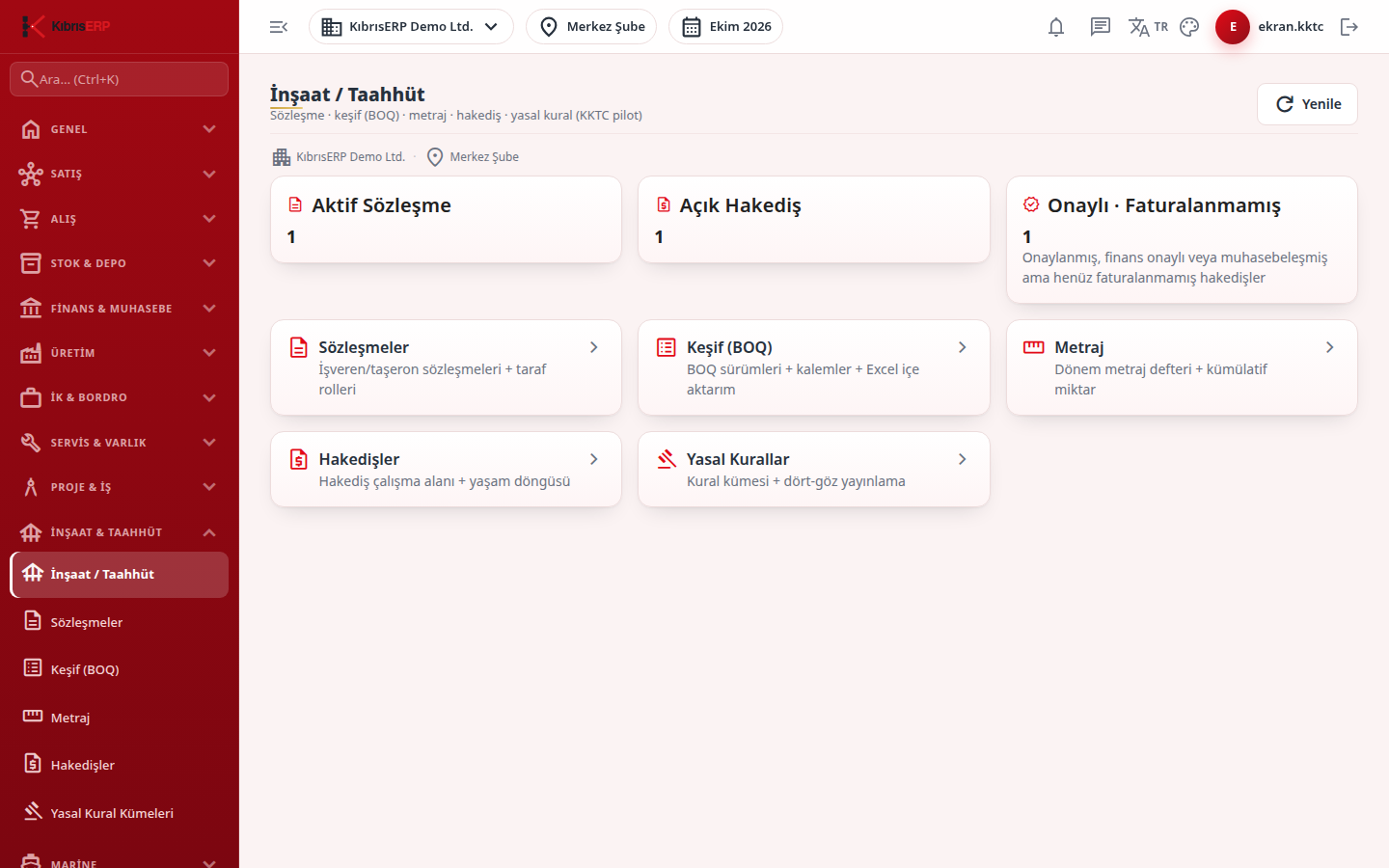
Section titled “What it is for”Construction / Contracting (İnşaat / Taahhüt) is the entry page from which you reach every link of the contracting work. At the top are three summary tiles (Active Contracts, Open Claims, Approved - Not Invoiced), and below them cards that lead to the contract, bill of quantities, measurement, progress claim and legal rule screens.
The package follows employer (upstream) and subcontractor (downstream) contracts in the same structure. A progress claim is calculated from the contract and the approved measurements; accounting and payment steps are followed on the claim screen.
Who uses it
Section titled “Who uses it”Site managers, quantity surveyors and project engineers enter contracts, bills of quantities and measurements; claim preparers and approvers, finance and accounting staff follow the claims. At least View on the Construction / Contracting page is needed; Add, Edit and Approve open the actions on the sub-screens.
Screens
Section titled “Screens”- Contracts (Sözleşmeler): employer and subcontractor contracts and party roles.
- Bill of Quantities (Keşif (BOQ)): BOQ versions, items and import.
- Measurements (Metraj): period measurement book and cumulative quantity.
- Progress Claims (Hakedişler): claim workspace and life cycle.
- Legal Rules (Yasal Kurallar): rule set and two-person publishing.
- Configuration (Yapılandırma): package capabilities and country support.
Related modules
Section titled “Related modules”Step-by-step screen guides are currently available in Turkish; the links above open them.