

Bill of Quantities (BOQ)
What it is for
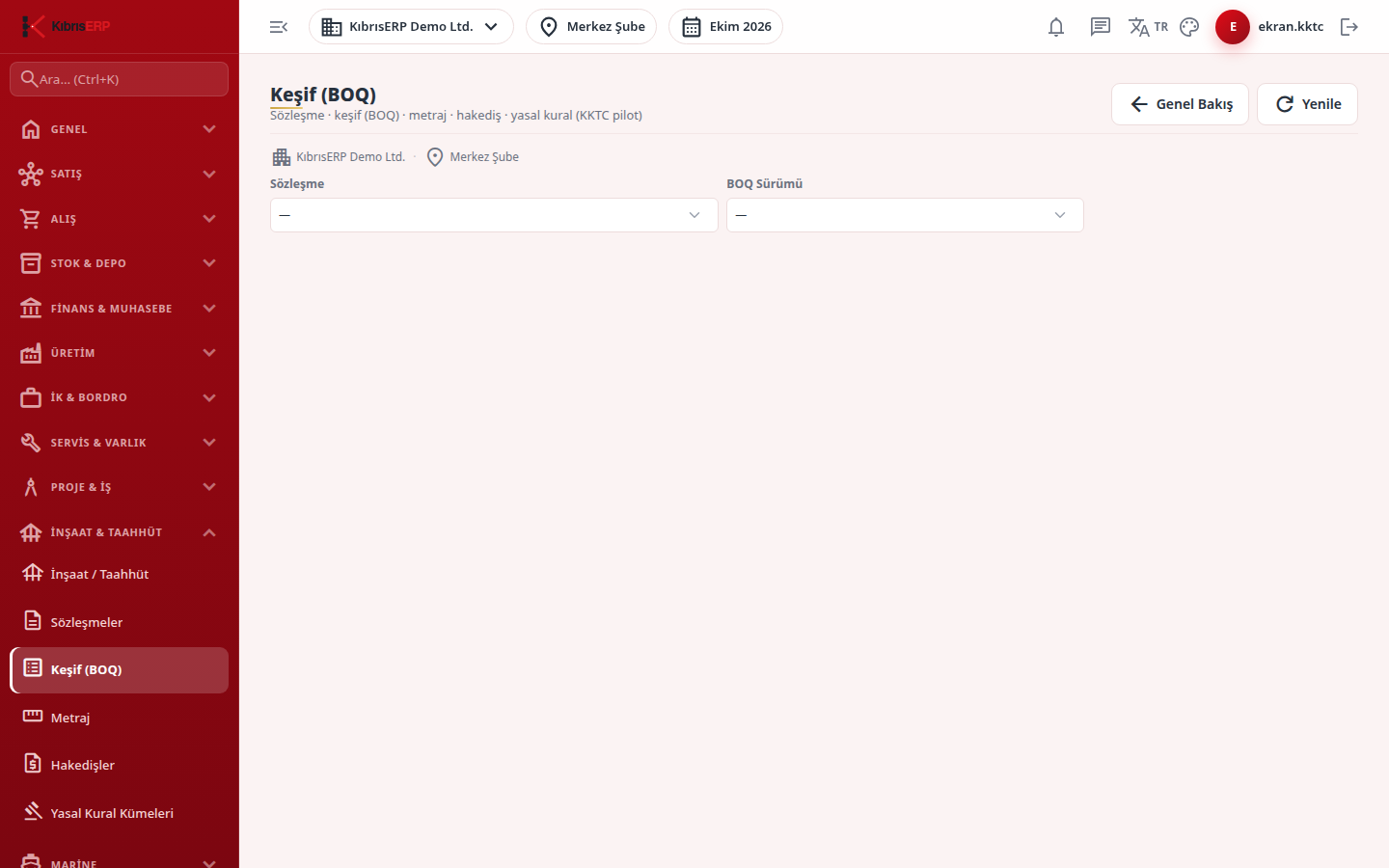
Section titled “What it is for”Bill of Quantities (Keşif (BOQ)) is where you keep the unit-priced work items of a contract. You open versions for each contract and enter item code, description, unit, contract quantity and unit price. A published version is frozen. Quantities are measured only against items of a published version, and the progress claim takes its unit prices from here.
Who uses it
Section titled “Who uses it”Engineers preparing the bill of quantities and tenders, and cost officers. Permission is on the Construction / Contracting page of the role screen: Add to create versions and items and to import, Edit to publish a version.
Screens
Section titled “Screens”- Contract and version selectors: pick the contract, then the version (shown as number, name and status).
- New BOQ version: name and version type (base, tender, contract, revision); the number increments automatically and the version starts as Draft.
- Add item: item code, description, unit, quantity, unit price and VAT band; the amount is quantity times unit price.
- Bulk import: paste one item per line as
code;description;unit;quantity;price, choose the VAT band, validate, then import; only into a draft version with no items yet. - Publish (Freeze): after confirmation the version and its items can no longer be changed; open a new version for changes.
Typical workflow
Section titled “Typical workflow”- Select the contract and create a new version.
- Add items one by one or import them in bulk.
- Publish the version to freeze it.
Related modules
Section titled “Related modules”Step-by-step screen guides are currently available in Turkish; the links above open them.