

Chain / Central Menu
What it is for
Section titled “What it is for”A business with several branches prepares the menu once as a Menu Template and then publishes it to the branches it selects. Publishing opens a new menu item in the branch; if the same item already exists there, its name, category, translations and order are updated. The branch’s own selling price, VAT band and currency do not change on publishing.
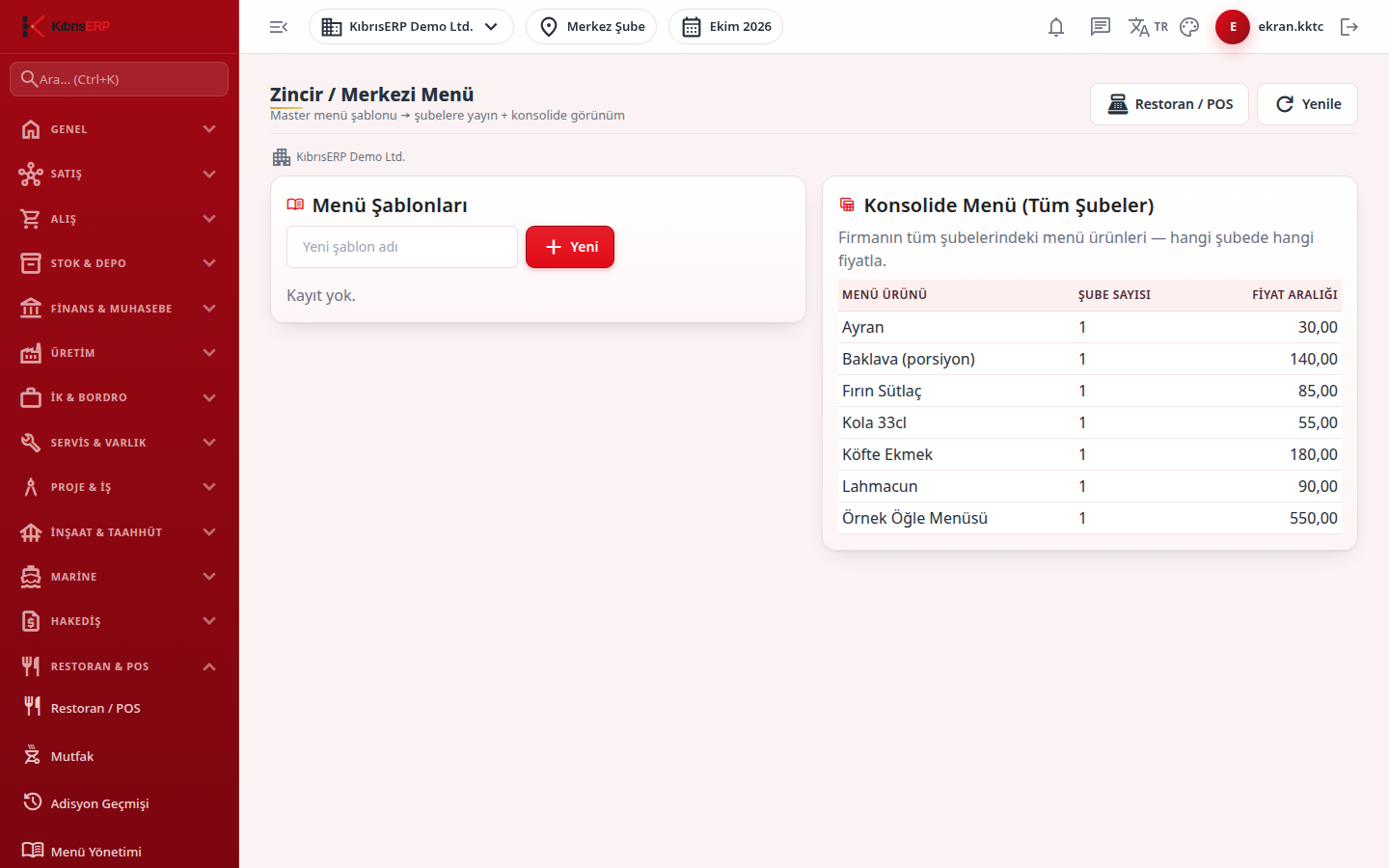
The Consolidated Menu (All Branches) table on the right shows the menu items in all branches of the company and at what price each branch sells them.
Who uses it
Section titled “Who uses it”Head office and chain managers. On the Restaurant / Order page of the role screen, View is needed to see and Edit to create templates and publish. Without permission the message “You do not have write permission for this action” appears.
Screens
Section titled “Screens”- Menu Templates card: type a new template name and press New; the template appears in the list and is selected.
- Edit Template: add a category, then a menu item with a name, price and VAT band; added items are listed in the table below.
- Publish to Branches: tick the target branches and press Publish to Selected Branches; the result reads “Published to N branches - X added, Y updated.”
- Consolidated Menu (All Branches): for each item the number of branches and the price range, with a Price difference tag when branches differ.
Related modules
Section titled “Related modules”Step-by-step screen guides are currently available in Turkish; the links above open them.