

My Approvals
What it is for
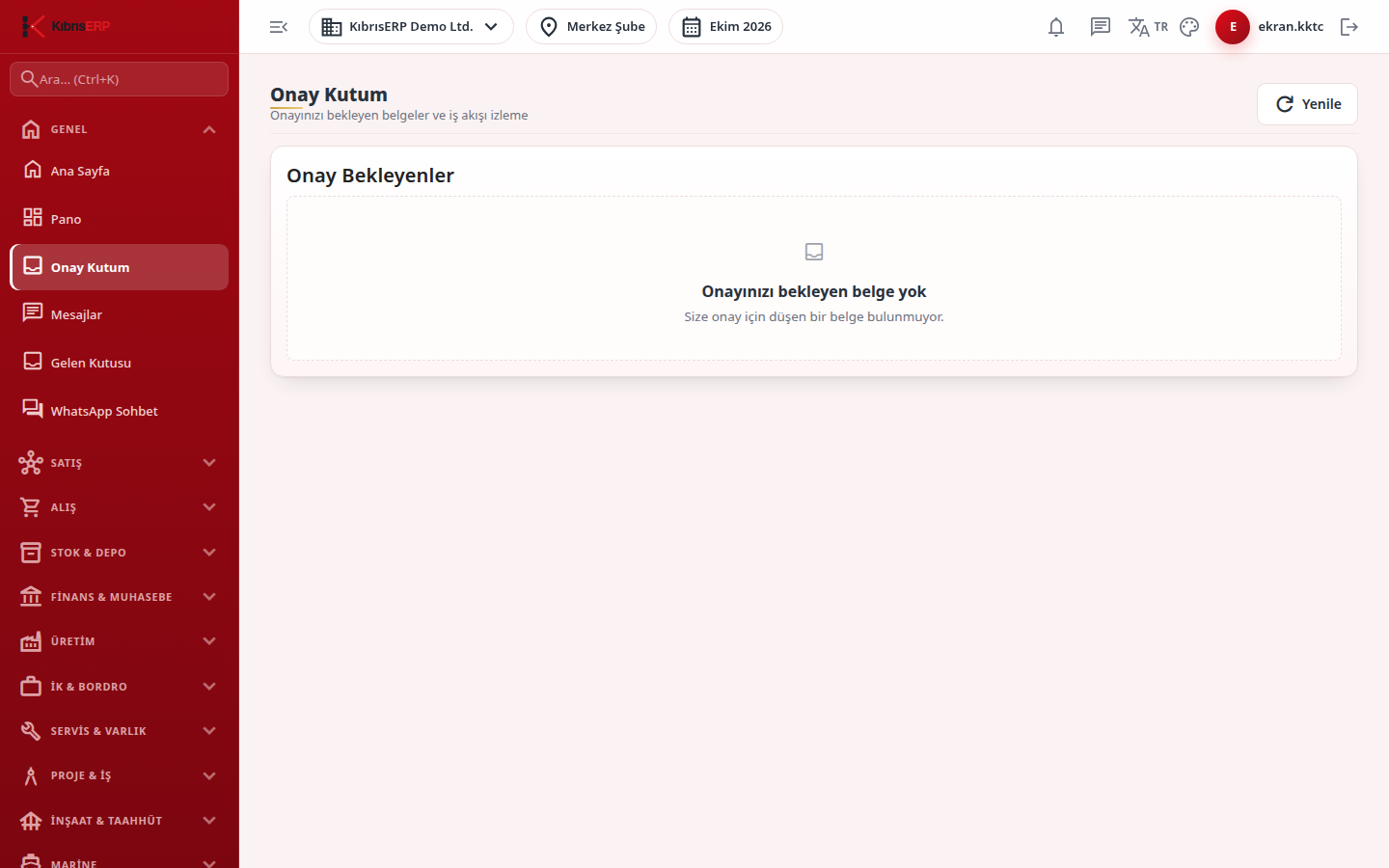
Section titled “What it is for”My Approvals (Onay Kutum) is your personal list of documents waiting for your decision. Sales and purchasing documents (quotes, orders, dispatch notes, invoices, internal requests, purchase requests, requests for quotation) move through a defined approval flow, and when the turn reaches your stage the document appears here. You review, approve, reject or send it back for revision without leaving the list.
Who uses it
Section titled “Who uses it”Users assigned as approvers at a document stage (directly or through a permission group) and administrators. To see a document in the list you also need View in the related module: Documents for sales documents, Purchasing for purchase documents. Administrators see every document in the flow.
Screens
Section titled “Screens”- Pending list: shows how many documents wait for you, with document number, type and direction, account, amount, stage, date and waiting days. Late (Gecikti) and Due soon (Süre yaklaşıyor) badges flag time limits.
- Review & Approval window (Belge İnceleme & Onay): document header, customer, amount and line items, plus the transition buttons (approve/forward, reject/cancel, send for revision); some transitions require a note.
- History, Approval Rules and Alerts tabs: stage events, the rules that were applied and the notifications sent.
Typical workflow
Section titled “Typical workflow”- Open My Approvals and refresh the list.
- Open a row with Review (İncele).
- Check the document and choose a transition; add a note if required.
- The document leaves your queue and the window closes.
Related modules
Section titled “Related modules”Step-by-step screen guides are currently available in Turkish; the links above open them.