

POS Control
What it is for
Section titled “What it is for”POS Check (POS Kontrol) lets you check a POS device’s card collections in one table: the gross, commission and net amount of each collection, its value date, whether it has reached the bank and whether it matches a deposit on the bank statement. Collections that are past their value date but not yet in the bank are marked red as Late. The collection record itself is entered on the POS tab of Cash & Bank; this screen is for checking and matching.
Who uses it
Section titled “Who uses it”Finance and accounting staff. View on the Cash & Bank page of the role screen opens the screen. There is no separate Add or Edit check for the Value (Valörle), Cancel and Match buttons; any user who can open the screen can do these, so give the screen only to authorized finance staff.
Screens
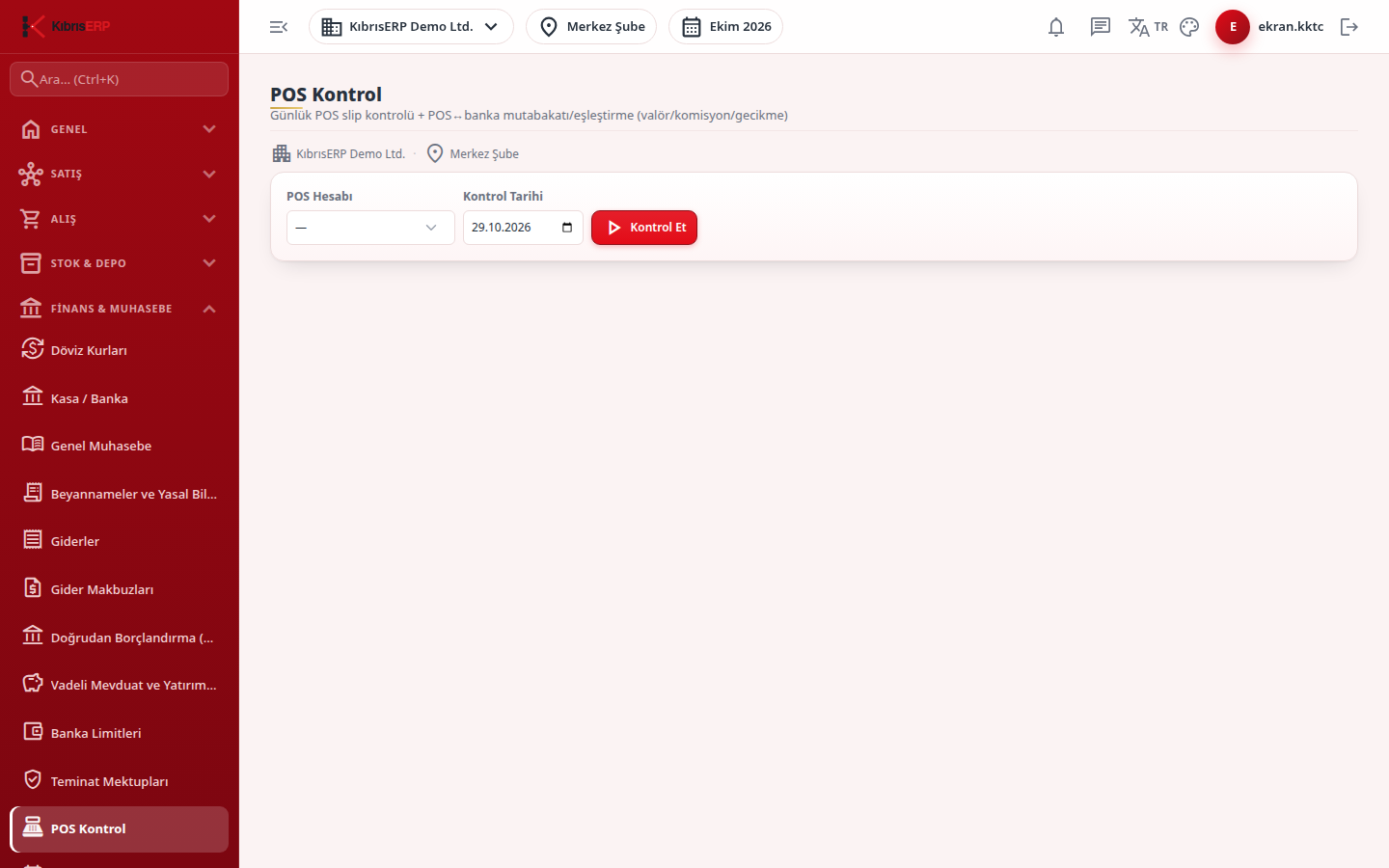
Section titled “Screens”- Filters: choose the POS Account and the Check Date (default: the company’s today), then Check. Lateness is calculated against this date.
- Summary cards: Pending Net, Net Passed to Bank, Total Commission, Late Count.
- Collection table: date, gross, commission, net, value date, installments, status (Pending, Passed to Bank or Late) and bank match.
- Value (Take to Bank) (Valörle (Bankaya Al)): when the bank has paid, the net amount enters the POS’s linked bank account and an accounting entry is created.
- Match with Bank Deposit: pick the deposit on the bank statement; a Matched badge shows on the row.
- Cancel: cancels a wrong card transaction; the customer debt reopens and, if the amount had reached the bank, the bank movement is reversed. This screen asks no confirmation before cancelling.
Related modules
Section titled “Related modules”Step-by-step screen guides are currently available in Turkish; the links above open them.