

Career Planning
What it is for
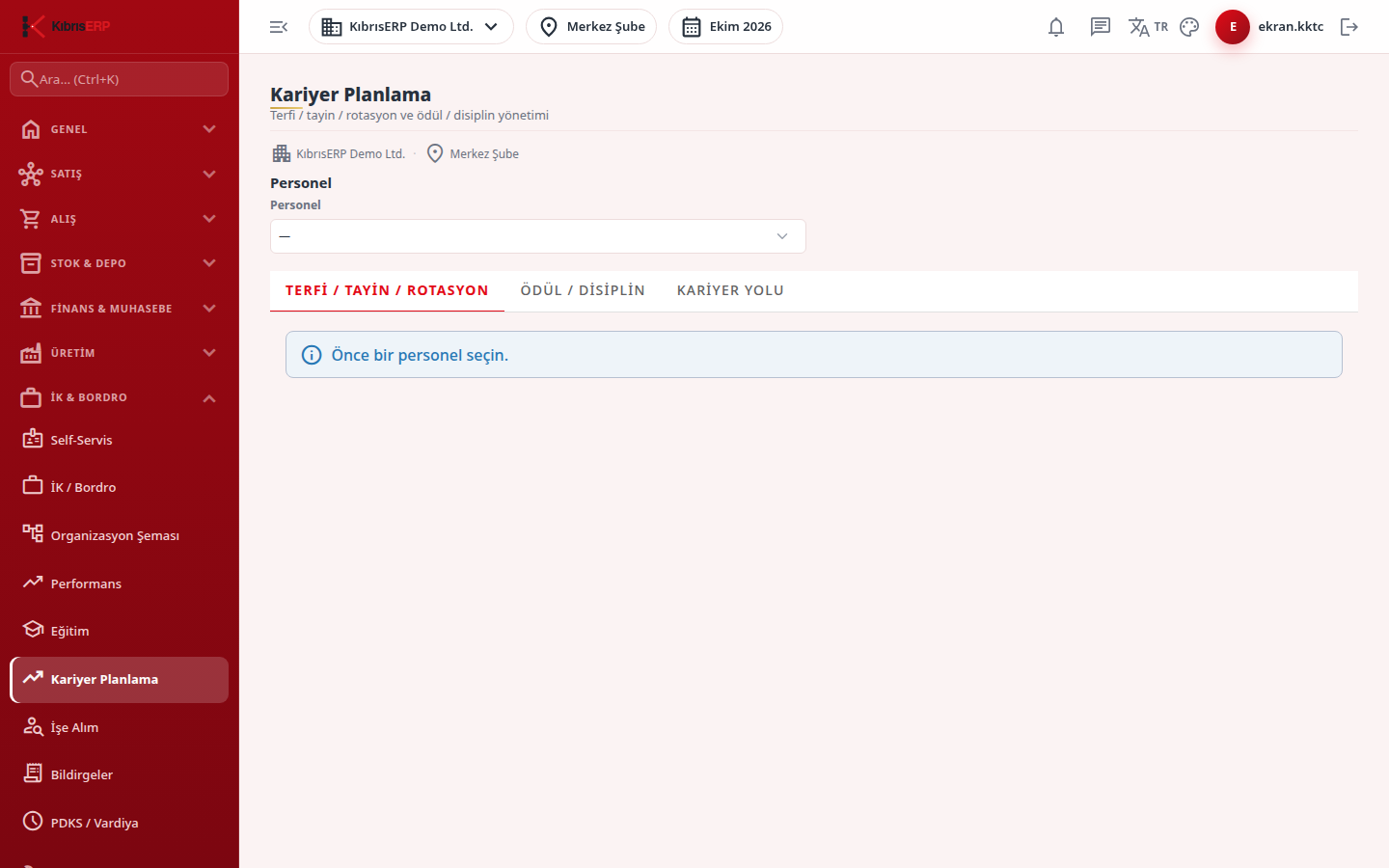
Section titled “What it is for”Career Planning (Kariyer Planlama; promotion, transfer, rotation, reward and discipline management) records an employee’s movements inside the organization. It has three tabs: position or department change actions, reward, warning and suspension records, and a career path note that sets the target position. Everything on the screen is done for one selected employee.
Who uses it
Section titled “Who uses it”HR staff and managers with approval authority. Like Training, this screen uses the permissions of the Human Resources page: View opens the screen, Add allows creating records, and Approve opens the approval and apply buttons. Without View an access warning is shown instead.
Screens
Section titled “Screens”- Promotion / Transfer / Rotation (Terfi / Tayin / Rotasyon): create a draft action, approve it, then apply it.
- Reward / Discipline (Ödül / Disiplin): reward, warning or suspension record; locked once approved.
- Career Path (Kariyer Yolu): target position and development note.
Typical workflow
Section titled “Typical workflow”- Open Career Planning from the HR & Payroll group.
- Choose the employee in the Employee list (without one the tabs ask you to select a person first).
- Create the record on the relevant tab.
Related modules
Section titled “Related modules”Step-by-step screen guides are currently available in Turkish; the links above open them.