

IFRS Class Trial Balance
What it is for
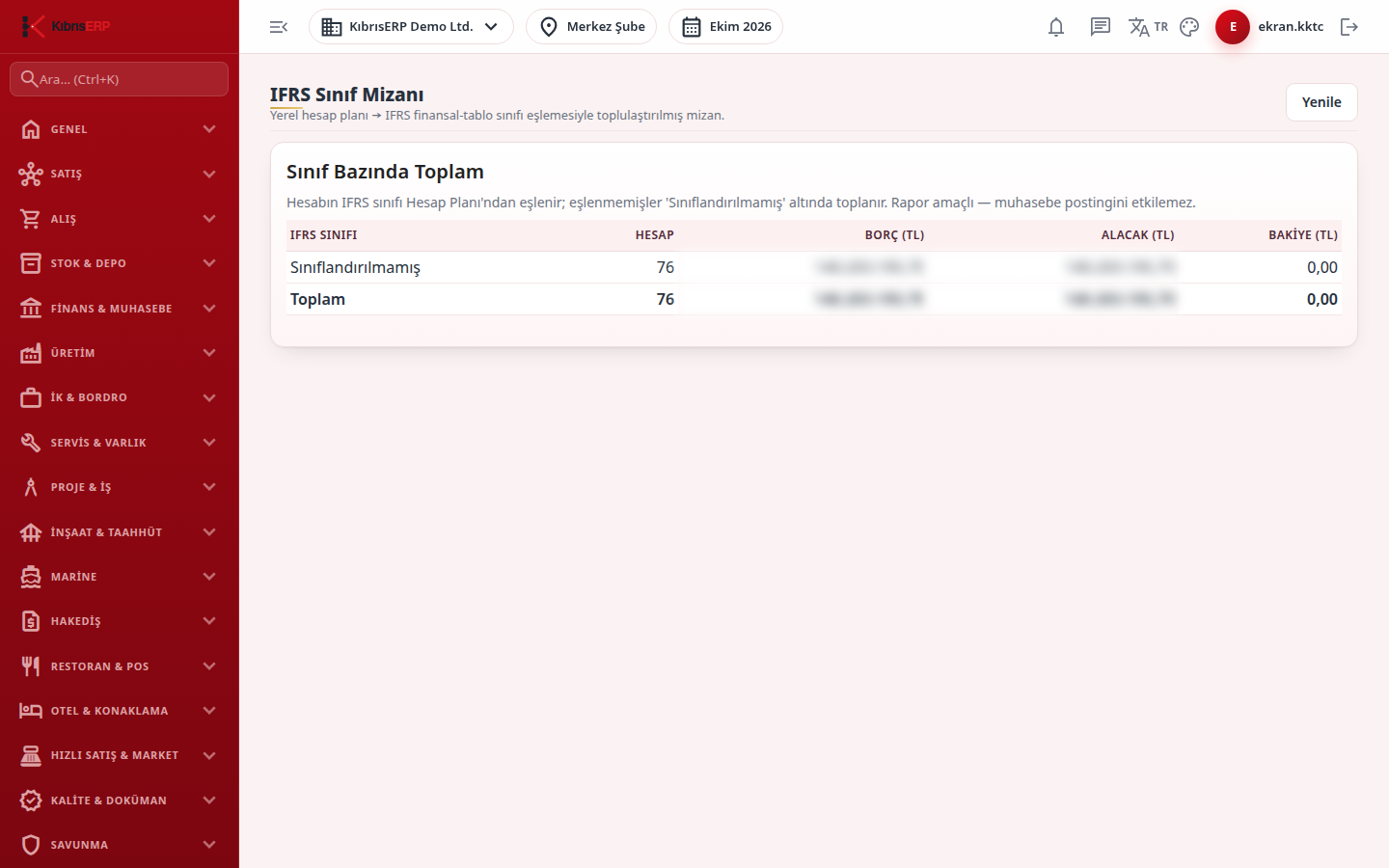
Section titled “What it is for”The accounts in your local chart of accounts are grouped by the IFRS financial statement class assigned to each account and shown in the Totals by Class table. For each class you see the number of accounts and the total Debit (TL), Credit (TL) and Balance (TL), with a Total row at the bottom. This is a reporting view and does not affect the accounting records. Accounts with no IFRS class are collected in the Unclassified row.
Who uses it
Section titled “Who uses it”Finance staff and managers working on consolidation or audit. View on the General Ledger page is needed (managers see it).
Screens
Section titled “Screens”- Totals by Class table: classes ordered as balance sheet (assets, liabilities, equity) and income statement items, with the Total row.
- Unclassified row: if it shows an amount, the related accounts have no IFRS class. In this version the class cannot be assigned from a field on the Chart of Accounts screen; ask your system administrator.
- Refresh: top right, to see current data.
Related modules
Section titled “Related modules”Step-by-step screen guides are currently available in Turkish; the links above open them.