

Prices and Labels
What it is for
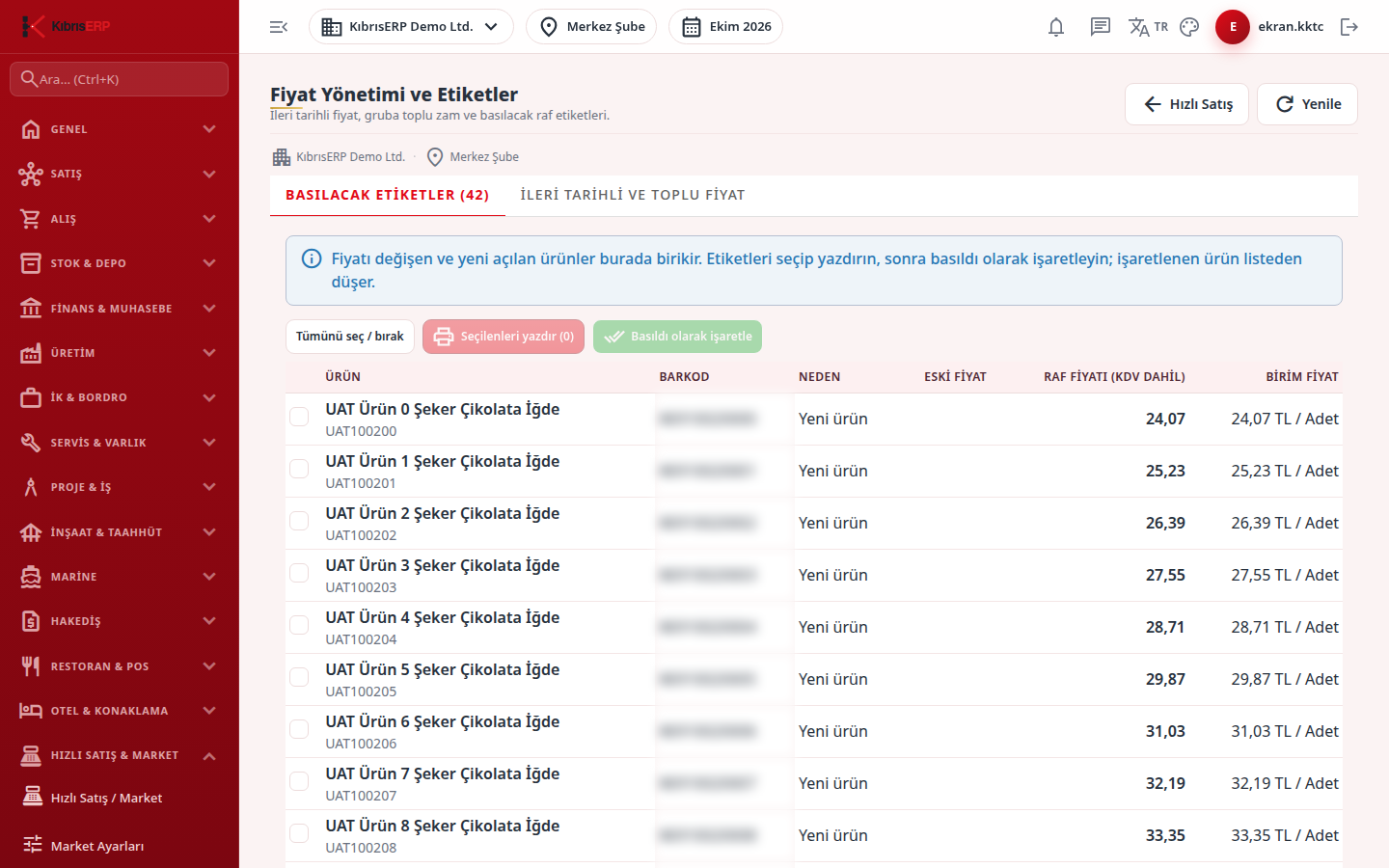
Section titled “What it is for”Price Management & Labels (Fiyat Yönetimi ve Etiketler) does two jobs: it prints the shelf labels of products whose price changed or that are newly opened, and it schedules price changes for a later date or applies a bulk increase / discount to a product group. A price becomes valid not when it is saved but at the date and time you enter. A price that has fallen due is applied at the register at scan time, and the product falls into the labels to be printed.
Prices are entered excluding VAT on the screen; the shelf label shows the shelf price including VAT.
Who uses it
Section titled “Who uses it”The market manager and the purchasing officer. View on the Quick Sale page of the role screen opens the screen; Edit opens price scheduling, bulk change, cancel and the “Mark as printed” buttons.
Screens
Section titled “Screens”- Labels to Print (Basılacak Etiketler): the label queue and printing.
- Scheduled and Bulk Price (İleri Tarihli ve Toplu Fiyat): scheduled prices and bulk changes.
- Refresh reloads the lists and the Quick Sale button returns to the register.
Typical workflow
Section titled “Typical workflow”- Schedule the price on the Scheduled and Bulk Price tab.
- When it falls due, the product drops into the Labels to Print list.
- Print the labels and press Mark as printed.
Related modules
Section titled “Related modules”Step-by-step screen guides are currently available in Turkish; the links above open them.