

Recruitment
What it is for
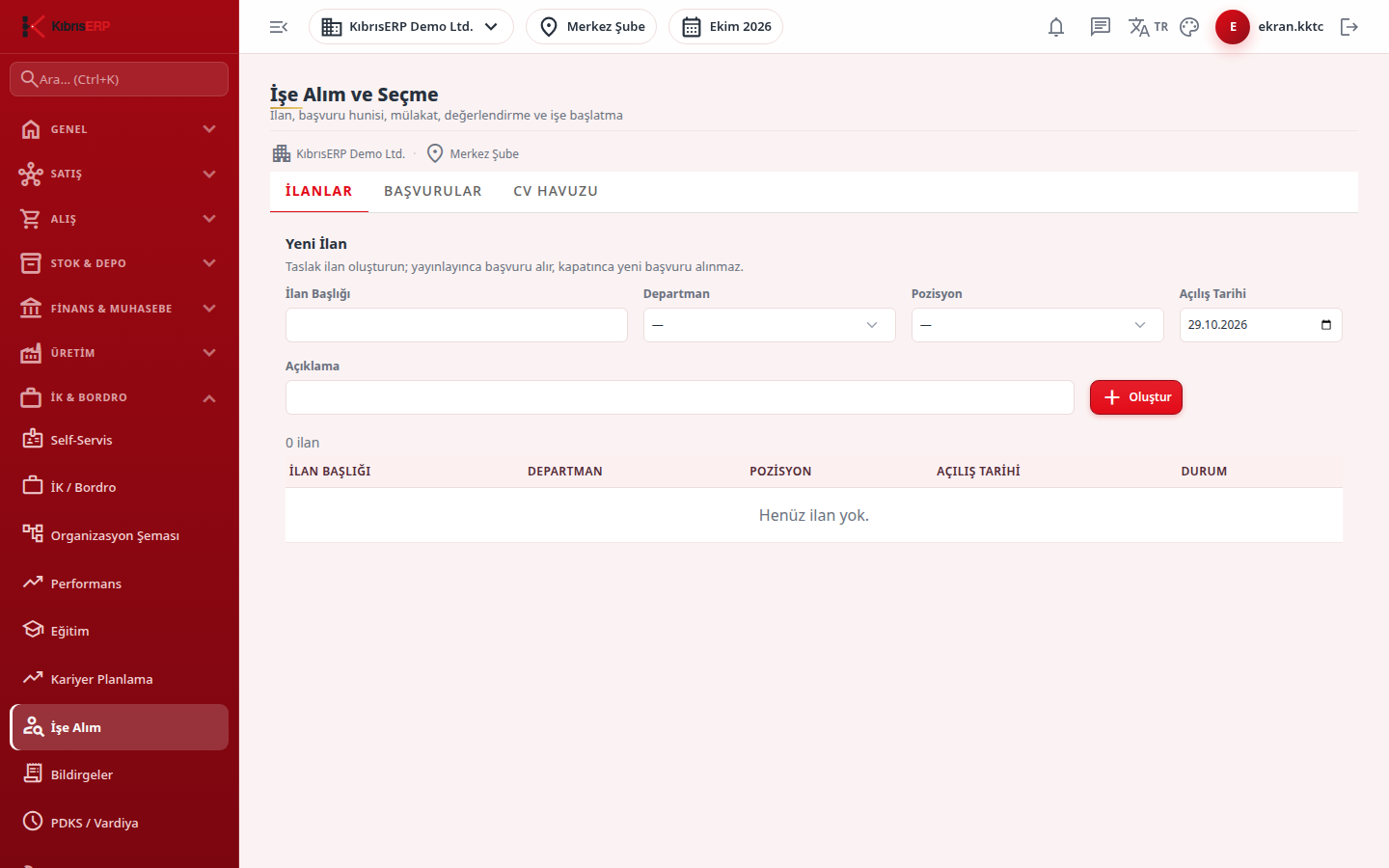
Section titled “What it is for”Recruitment & Selection (İşe Alım ve Seçme; “Posting, application funnel, interview, evaluation and starting work”) brings the process of finding a candidate for a position into one place. You create and publish a posting; keep candidates tied to the posting or in the CV pool; move an application through the New, Screening, Interview, Offer, Hired funnel; and enter interviews and weighted evaluation. From a hired candidate a new personnel record is created in a single step.
Who uses it
Section titled “Who uses it”HR officers and recruiting managers. The Human Resources page permissions apply: View opens the screen; Add allows entering postings, applications, interviews and evaluation; Edit allows publishing / closing a posting, advancing an application and entering an interview result; Approve opens creating the personnel record from the candidate (Start Work).
Screens
Section titled “Screens”- Postings (İlanlar): posting draft, publish, close.
- Applications (Başvurular): the selected posting’s candidate funnel, interview, evaluation and start of work.
- CV Pool (CV Havuzu): candidates without a posting.
Typical workflow
Section titled “Typical workflow”- On the Postings tab create and publish the posting.
- Click the posting’s title and add the candidate on the Applications tab, advance them in the funnel, and enter interview and evaluation.
- For a candidate in the Hired status create the personnel record with Start Work (İşe Başlat).
- Keep candidates without a posting in the CV Pool.
Related modules
Section titled “Related modules”Step-by-step screen guides are currently available in Turkish; the links above open them.