

Market Settings
What it is for
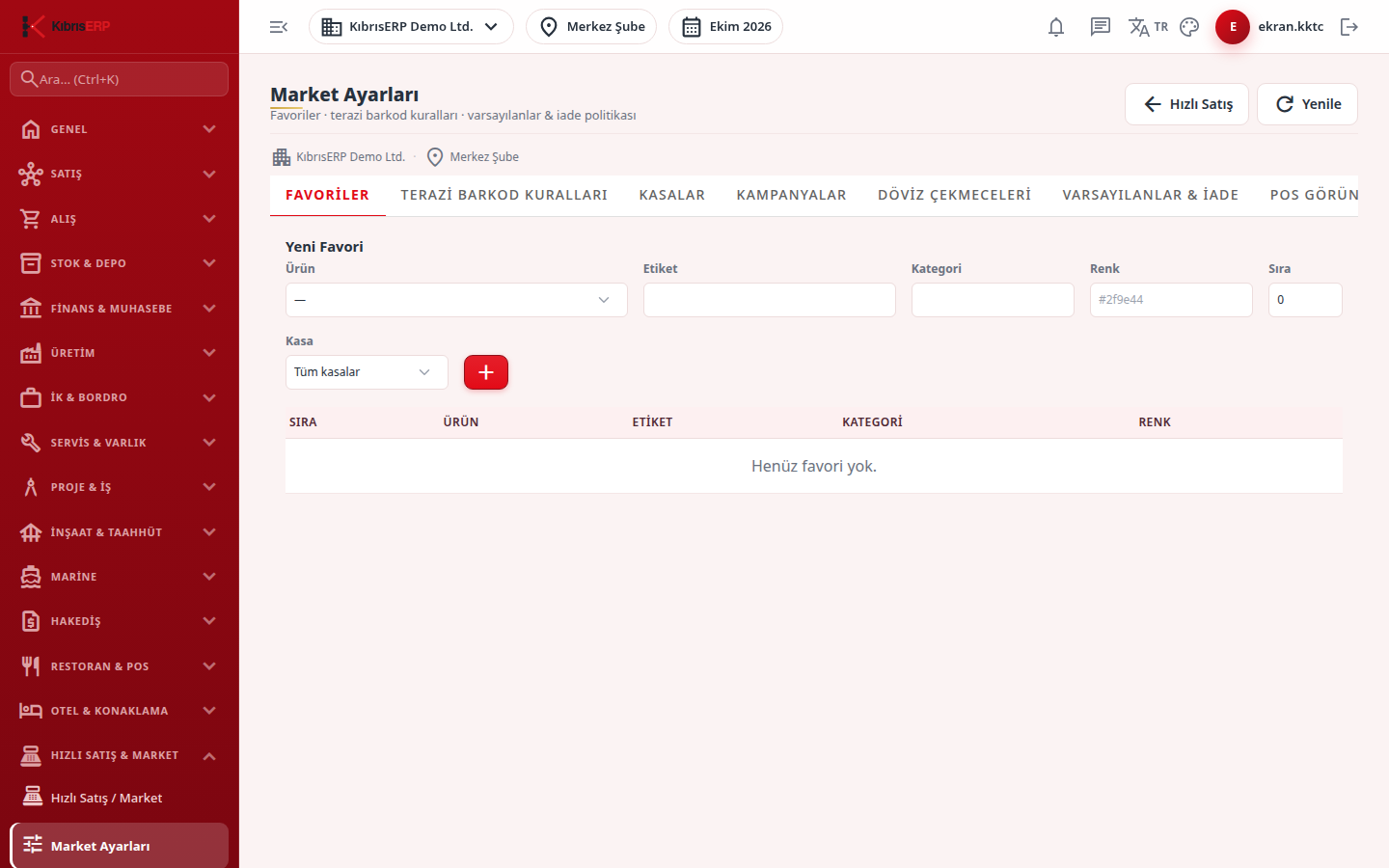
Section titled “What it is for”Market Settings (Market Ayarları) decides how the Quick Sale screen works per branch: which products are quick keys, how scale labels are read, which registers are used, campaigns, drawers that accept foreign currency, stock and collection targets, return policy and screen appearance. Before Quick Sale is used for the first time, the warehouse and cash account must be chosen on the Defaults & Returns tab; otherwise the sales screen does not open.
Who uses it
Section titled “Who uses it”The market manager and the system administrator. On the Quick Sale page of the role screen, View opens the screen; the save, add and delete buttons need Edit (the form is hidden for users without it).
Screens
Section titled “Screens”- Favorites (Favoriler): quick product keys on the register screen.
- Scale Barcode Rules (Terazi Barkod Kuralları): how scale labels are read.
- Registers (Kasalar): register definition and drawer accounts.
- Campaigns (Kampanyalar): discounts applied to the basket at the register.
- Foreign Currency Drawers (Döviz Çekmeceleri): accepting cash in foreign currency.
- Defaults & Returns (Varsayılanlar & İade): warehouse, cash / POS account, returns and the customer display.
- POS View (POS Görünüm): theme, grid and button visibility.
Typical workflow
Section titled “Typical workflow”- Open Market Settings (it can also be reached from the Quick Sale screen).
- In a new market fill in Defaults & Returns first.
- Then define favorites, scale rules and, if needed, registers.
- Refresh reloads the lists and the Quick Sale button returns to the sales screen.
Related modules
Section titled “Related modules”Step-by-step screen guides are currently available in Turkish; the links above open them.