

Marine Costs
What it is for
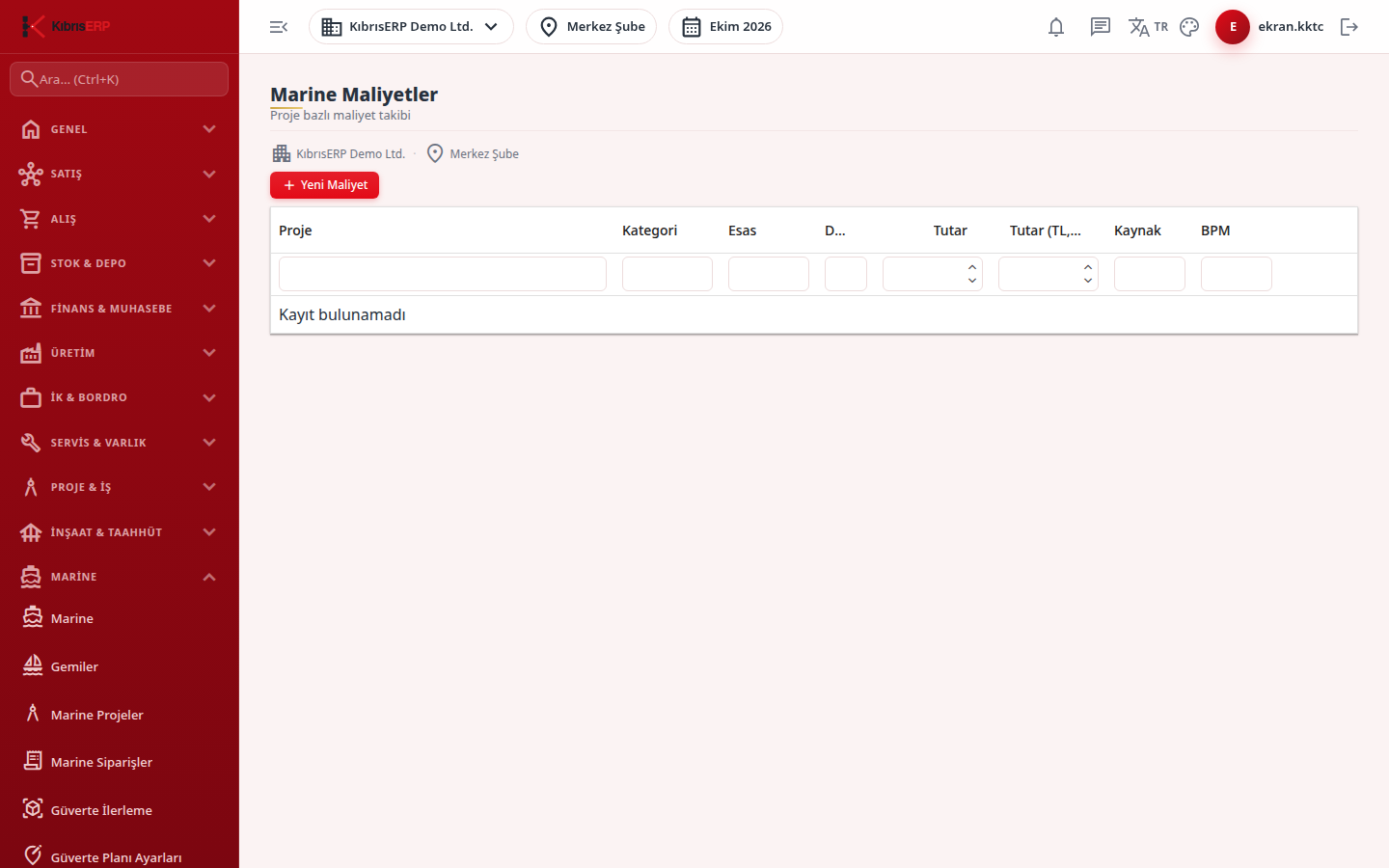
Section titled “What it is for”Marine Costs is the list of cost records tied to Marine projects. Each record carries a Basis: Planned, Committed, Actual, Accrued, Invoiced or Paid. The pie chart at the top distributes only Actual records by category.
In the end-to-end flow this is the actual side that is compared with the Marine Budget. Actual records feed the Portfolio Dashboard and the spending indicators on the project detail; Committed records are shown separately in the Portfolio as “Committed records”.
Some records appear without your input:
- When a Marine order is approved (except summary orders), a Committed record is written for each order line, in the order’s currency with the TL equivalent at the official rate of the order date. Approval follows the four-eyes rule: the user who created the order cannot approve their own order, so these records only appear after a different authorized person approves.
- When a survey is completed with its fee, an Actual record in the Subcontractor category is written.
Such records derive from a source document and cannot be changed or deleted on this screen.
Who uses it
Section titled “Who uses it”Project control, purchasing and finance staff. On the Marine page of the role screen: View to see, Add for a new record, Edit to change, Delete to remove. Permissions are checked again on every action.
Screens
Section titled “Screens”- Pie charts: “Actual cost - category distribution - {currency}”, one pie per currency; different currencies are never added or converted.
- New Cost (Yeni Maliyet): project, category, basis and currency (defaults are Material and Actual), amount in the record’s currency, an optional TL amount you declare, source type, transaction date and a description.
- Cost table: pencil icon to edit, trash icon to delete after confirmation.
Related modules
Section titled “Related modules”Step-by-step screen guides are currently available in Turkish; the links above open them.