

Berth Bookings
What it is for
Section titled “What it is for”This screen manages the reservation and occupancy of berths in the marina. It finds a free berth that fits the boat, records the reservation, processes the boat’s arrival and departure, calculates the berth fee from the tariff and turns the fee into a sales invoice draft.
The flow: Reserved (reservation recorded) then Resident (boat arrival processed) then Completed (departure processed). A reservation can be Cancelled before these stages.
Who uses it
Section titled “Who uses it”The marina office, reservation and accounting staff. Permission is on the Marine page in Settings › Roles: View to see the calendar and lists and calculate the fee, Add for a new reservation, Edit for arrival, departure and cancellation, Approve to create the invoice draft.
Screens
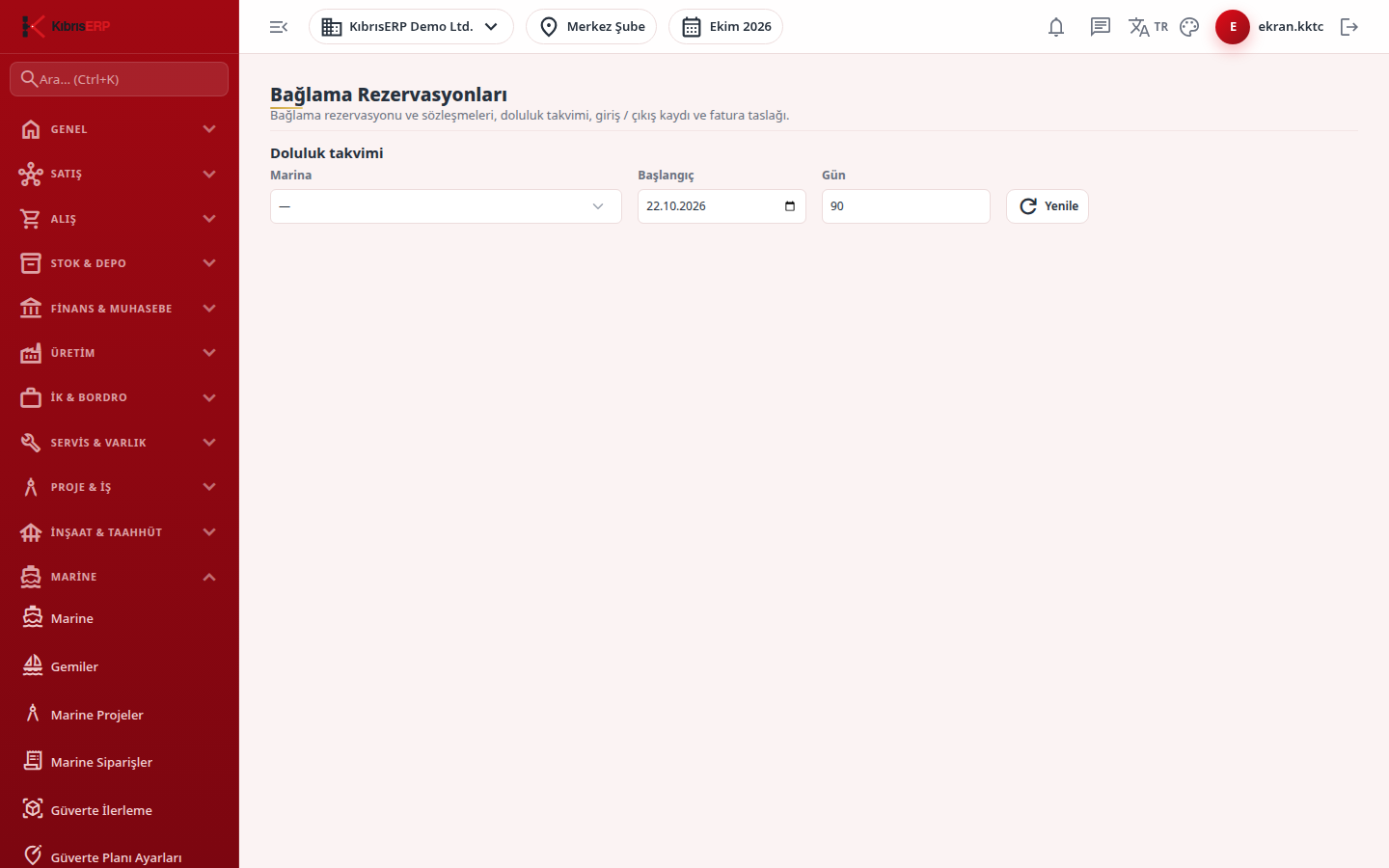
Section titled “Screens”- Occupancy calendar: choose the marina, an optional start date and the number of days (7 to 365, default 90), then Refresh.
- Reserve (only with Add permission): boat, customer, period type (daily, monthly, seasonal, yearly), start and end (departure day). Find free berth fills the berth list with berths that fit the boat’s size, are in use and are free on the dates; pick one and press Reserve. The boat’s length, beam and draft are stored at that moment.
- Reservations and contracts list: Arrival and Departure buttons per row, Calculate fee (shows the amount under Berth fee and creates no record), Create invoice draft (needs Approve; approval and numbering stay in the normal invoice flow) and Cancel (only for Reserved or Resident contracts that have no invoice).
- Arrival / departure records list.
How the fee is calculated:
- Daily: night by night; for each night of the contract (start day included, departure day excluded) a single verified tariff row valid on that night’s date is looked up.
- Monthly and yearly: the end date must be a full month (or year) after the start; the unit count is the number of months (years). The tariff row is chosen by the start date.
- Seasonal: the unit count is 1 and the date range is free; the row is chosen by the start date.
- A monthly, yearly or seasonal contract must stay inside the validity range of a single tariff row; there is no proration, so split a contract that crosses a tariff change date.
- The currency and VAT information of the tariff row (VAT band, whether the fee includes VAT) pass to the invoice; if they differ between periods they cannot be combined on one invoice.
Related modules
Section titled “Related modules”Step-by-step screen guides are currently available in Turkish; the links above open them.