

Messages
What it is for
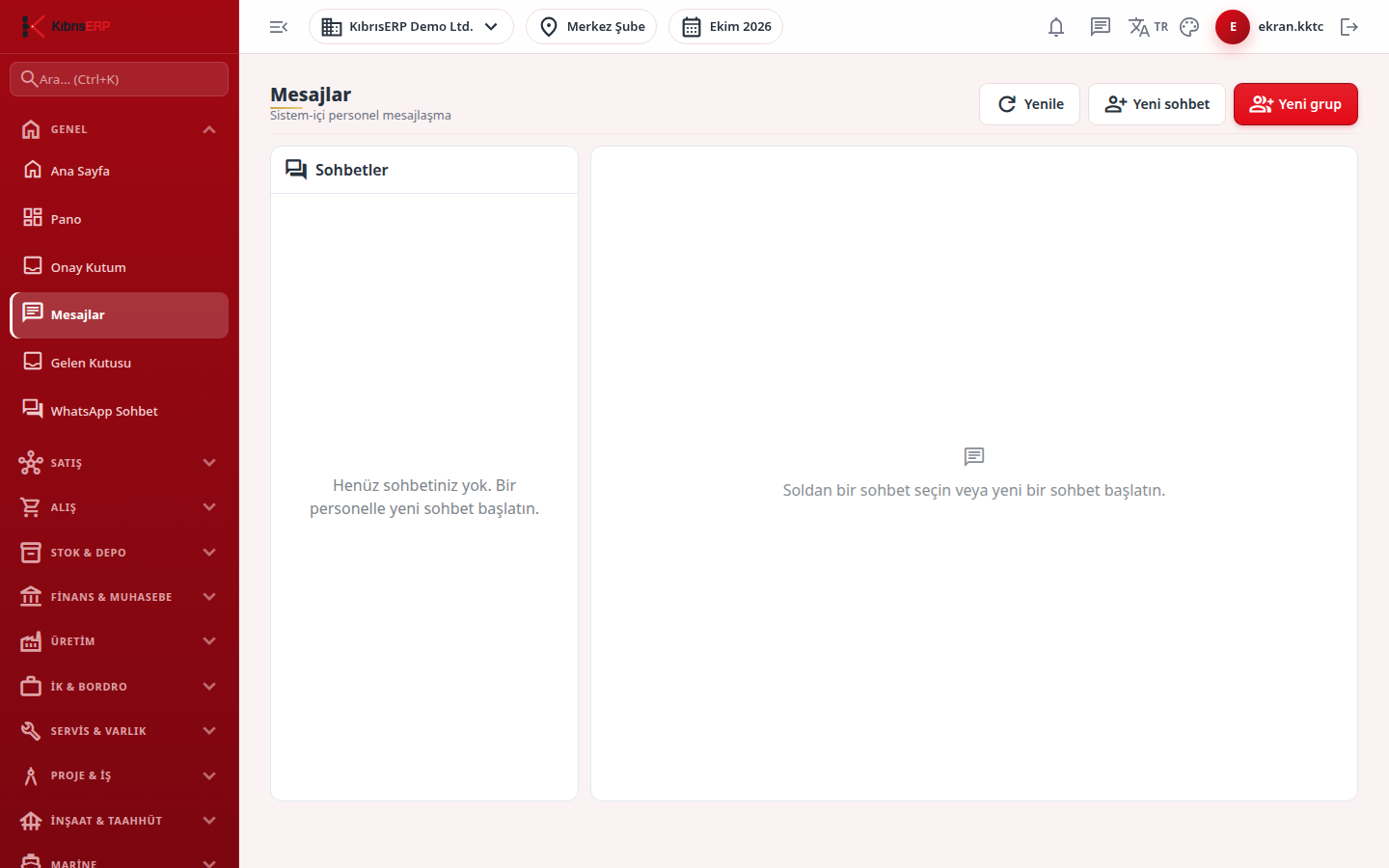
Section titled “What it is for”Messages is in-system messaging between KıbrısERP users: one-to-one chat, multi-person groups, file attachments, @-mentions, “typing…” and an online indicator. It has two extra features: getting an AI summary of a conversation, and turning a message with one click into a service work order, a CRM activity, a purchase request or a production work order. A link to the record created appears under the converted message.
Who uses it
Section titled “Who uses it”Every signed-in user sees their own conversations; no page permission is needed and you can reach only the conversations you are a member of. The Convert to action option appears if you have Add permission on at least one of these modules: Service, CRM, Purchasing, Production; the target list contains only the modules you have permission for. Group management (adding or removing members, making an admin, renaming) is open only to the group’s Admins.
Screens
Section titled “Screens”- New chat: pick a person by name or e-mail and Start; an existing chat with that person opens instead.
- New group: group name and members; whoever creates it becomes admin.
- Conversations list: name, last message preview, time and unread count of each chat.
- Message box: Enter or Send; type @ to mention a member; the attachment icon adds a file (images show as thumbnails).
- Search in conversation: the magnifier in the header.
- Edit a message: from the menu on your own message; the original is not deleted and an edited marker shows.
- Convert to action: from the message menu choose a target (Service Work Order, CRM Task / Activity, Purchase Request, Production Work Order).
- AI summary (star icon): summarizes the channel’s latest messages for you only; it is not written into the chat.
- Group settings: see members; admins can rename, add members, make or remove admin, and remove members.
Related modules
Section titled “Related modules”Step-by-step screen guides are currently available in Turkish; the links above open them.