

Manufacturing
What it is for
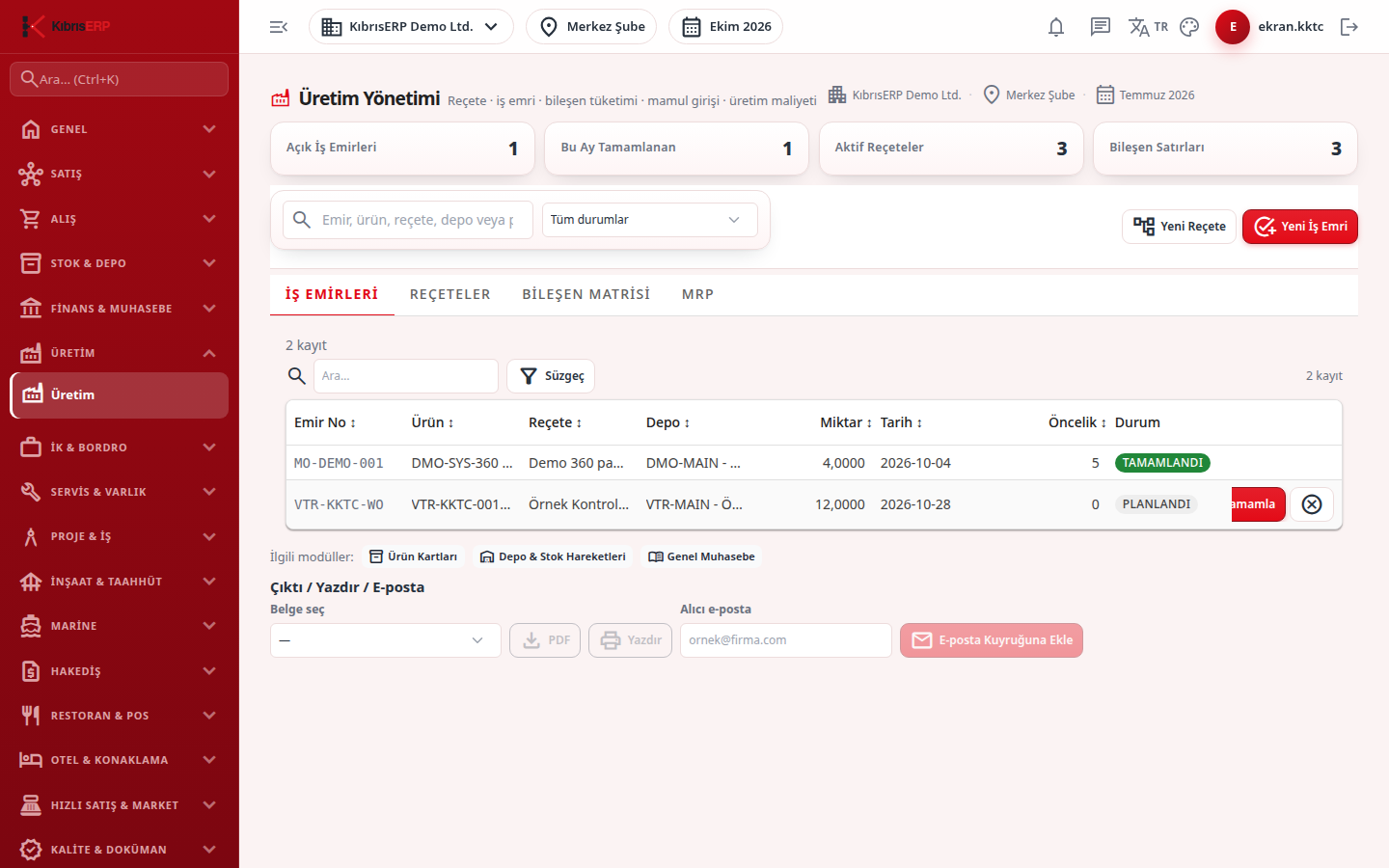
Section titled “What it is for”Production Management (Üretim Yönetimi) brings the bill of materials (BOM), work order, component consumption, finished goods receipt and production cost together in one place. You define a product’s components in a BOM, plan how much to produce with a work order, and when production is finished the components are deducted from stock, the finished product is received into stock and the product cost (components + labor + general production expense) is calculated. The MRP tab suggests what must be produced or bought from sales orders and stock levels. The cards at the top show open work orders, those completed this month, active BOMs and component lines.
Who uses it
Section titled “Who uses it”The production planning officer, the production chief, warehouse and purchasing staff and the cost accountant. On the Production page of the role screen, View, Add and Delete are given separately.
Screens
Section titled “Screens”- Work Orders (İş Emirleri)
- BOMs (Reçeteler)
- Component Matrix (Bileşen Matrisi)
- MRP
Typical workflow
Section titled “Typical workflow”- On the BOMs tab create the BOM for the finished product.
- On Work Orders plan the production with New Work Order.
- Record production part by part with Production Record, or close it in one step with Complete when finished.
- On the MRP tab calculate requirements and turn suggestions into a draft purchase request or a planned work order.
Related modules
Section titled “Related modules”Step-by-step screen guides are currently available in Turkish; the links above open them.