

Performance
What it is for
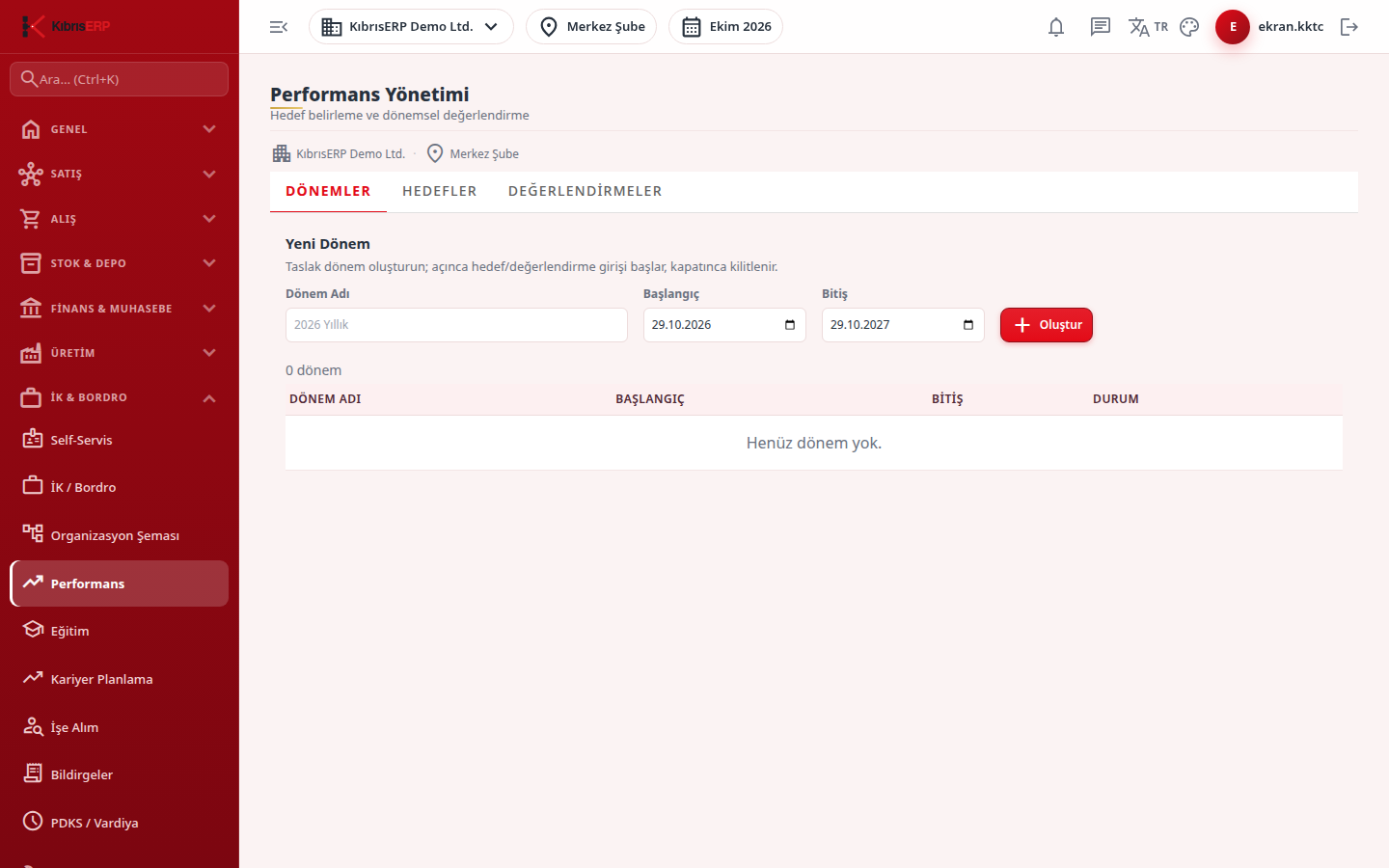
Section titled “What it is for”Performance Management (Performans Yönetimi) brings goal setting and periodic review into one flow. You first create and open a review cycle; while the cycle is open you enter weighted goals for staff and make criteria-based reviews; an approved review and a closed cycle are locked. The overall score is the weighted average of the criteria scores.
Who uses it
Section titled “Who uses it”HR officers and the managers who do the reviews. View on the Human Resources page of the role screen is needed. Add creates a new cycle, goal and review, Edit opens and closes a cycle, and Approve approves a review.
Screens
Section titled “Screens”- Cycles (Dönemler): create a cycle and open it with Open.
- Goals (Hedefler): enter weighted goals for staff in the selected cycle.
- Reviews (Değerlendirmeler): enter criteria, weights and scores; an authorized person approves to lock.
Typical workflow
Section titled “Typical workflow”- On the Cycles tab create a new cycle and open it.
- Click the cycle name to select it and enter weighted goals on the Goals tab.
- On the Reviews tab enter criteria, weight and score for each person and save; the authorized person presses Approve to lock.
- When the cycle ends, close it with Close; the goals and reviews linked to it are locked.
Related modules
Section titled “Related modules”Step-by-step screen guides are currently available in Turkish; the links above open them.